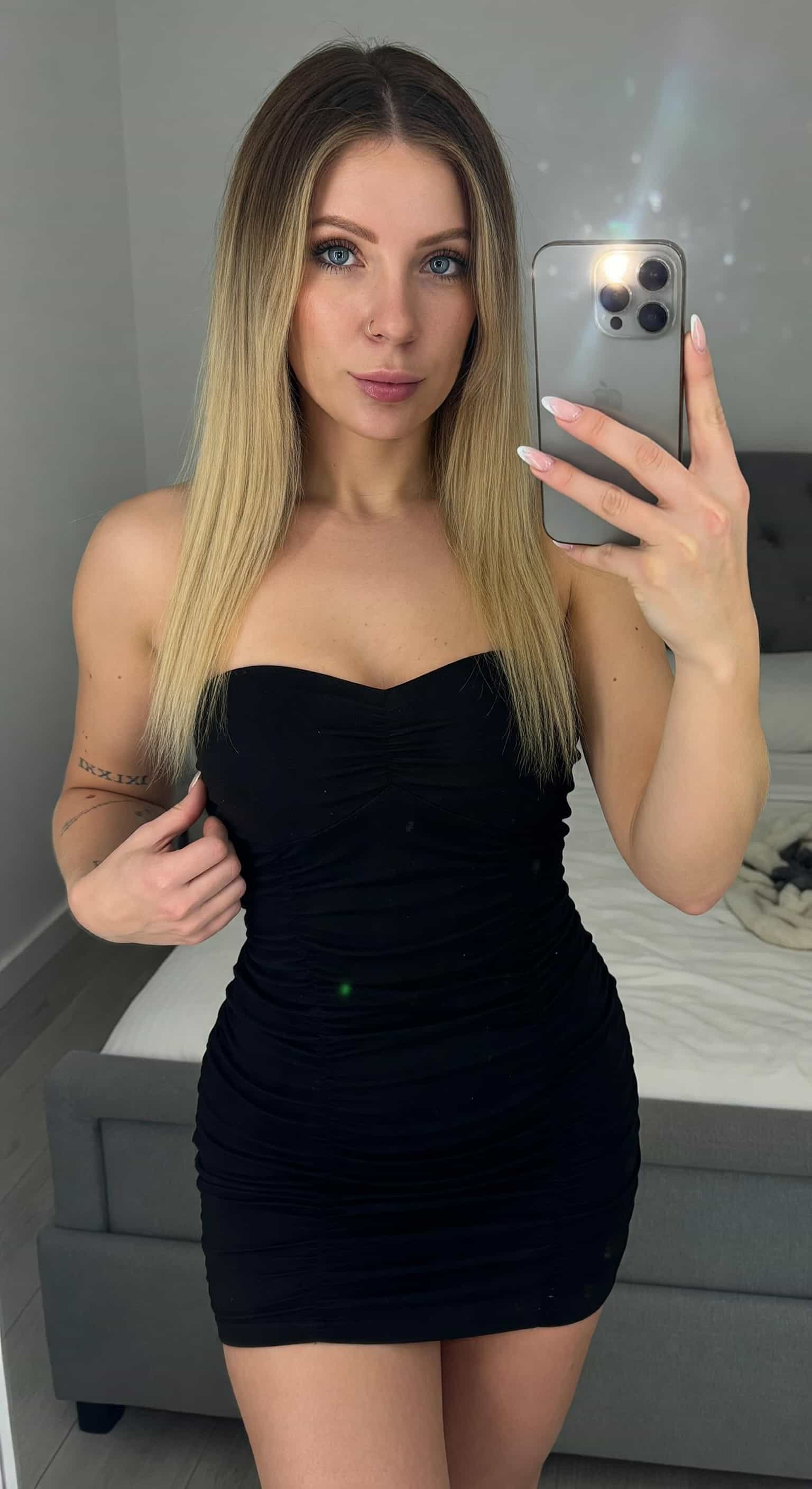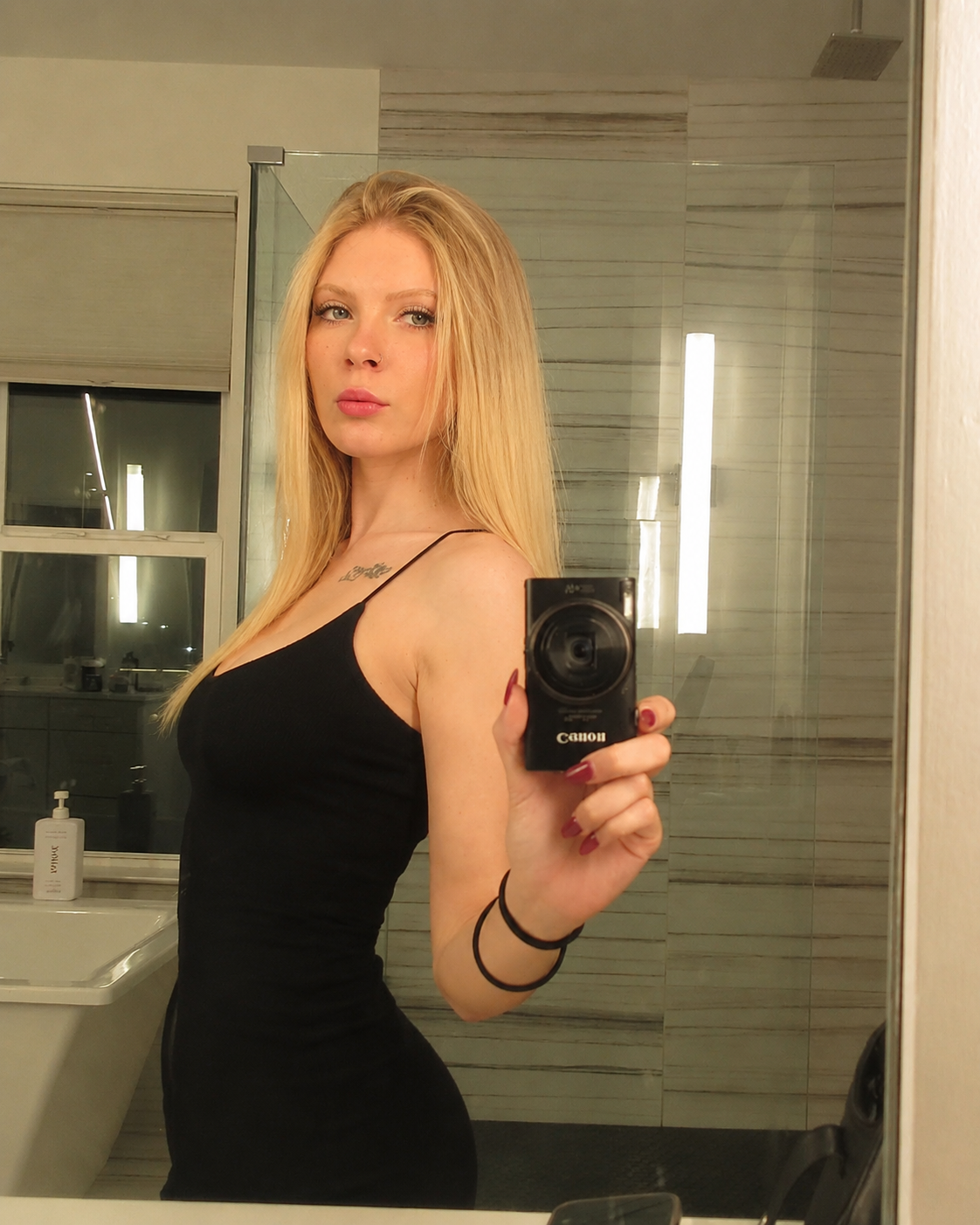
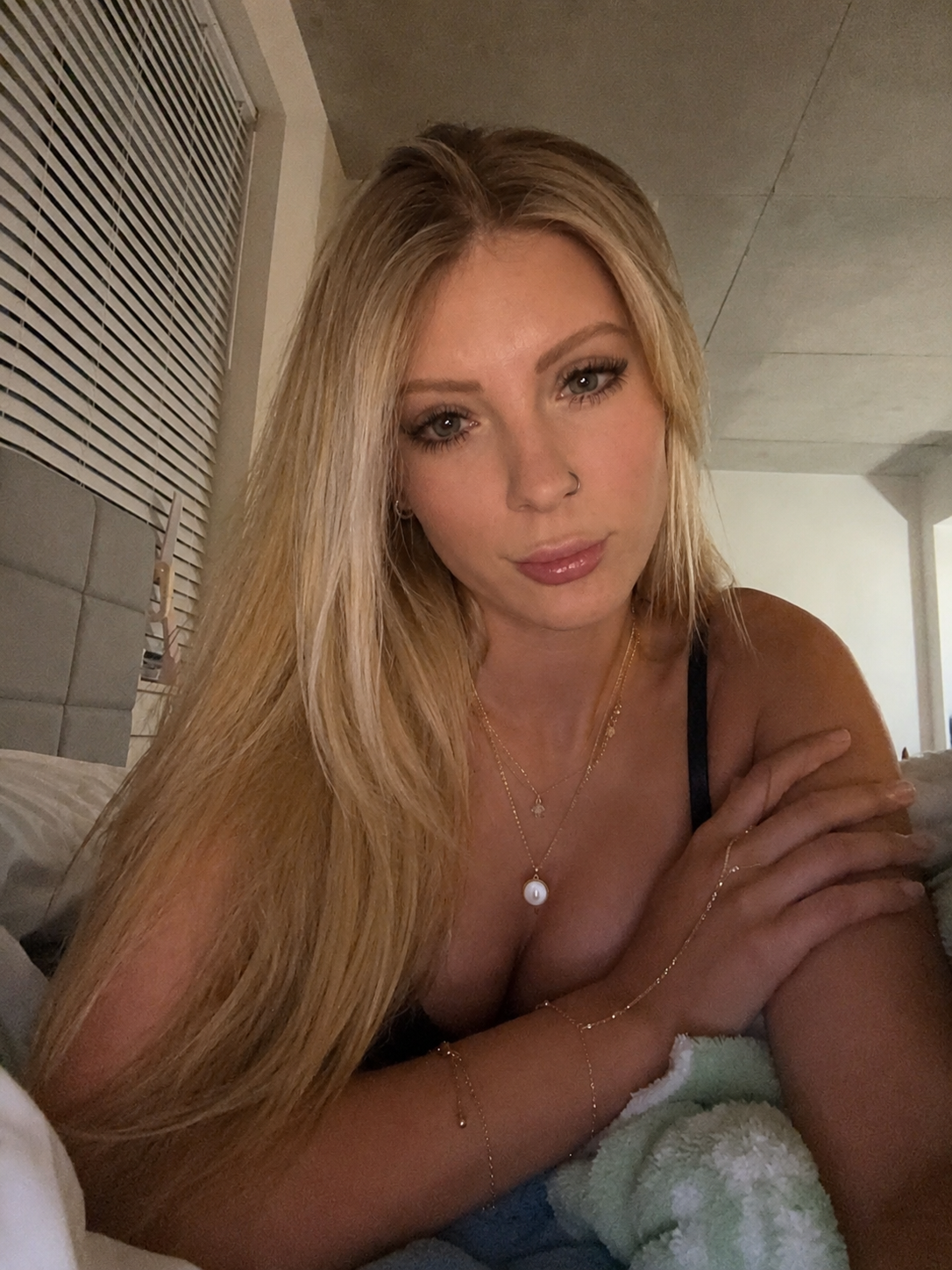
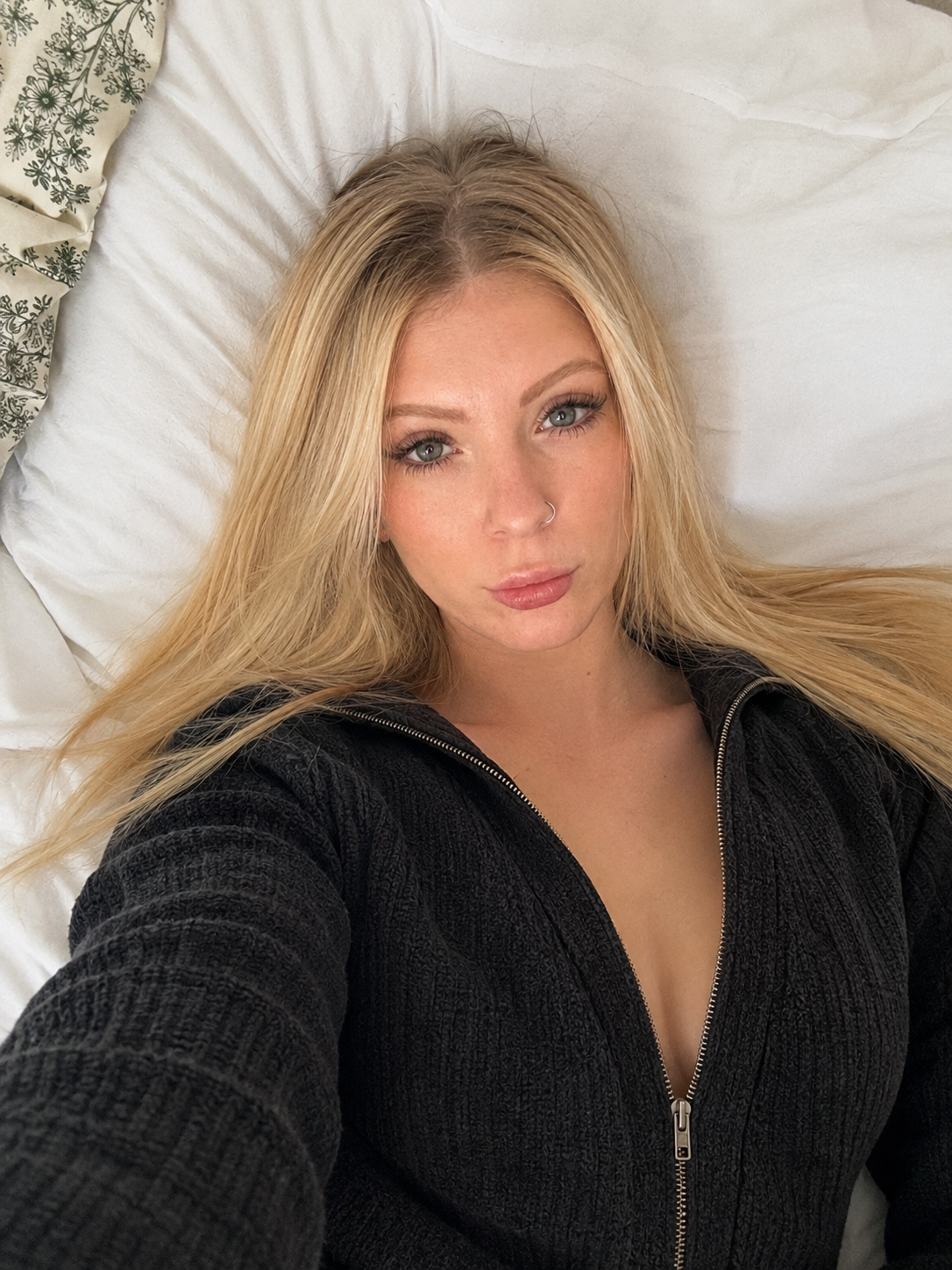
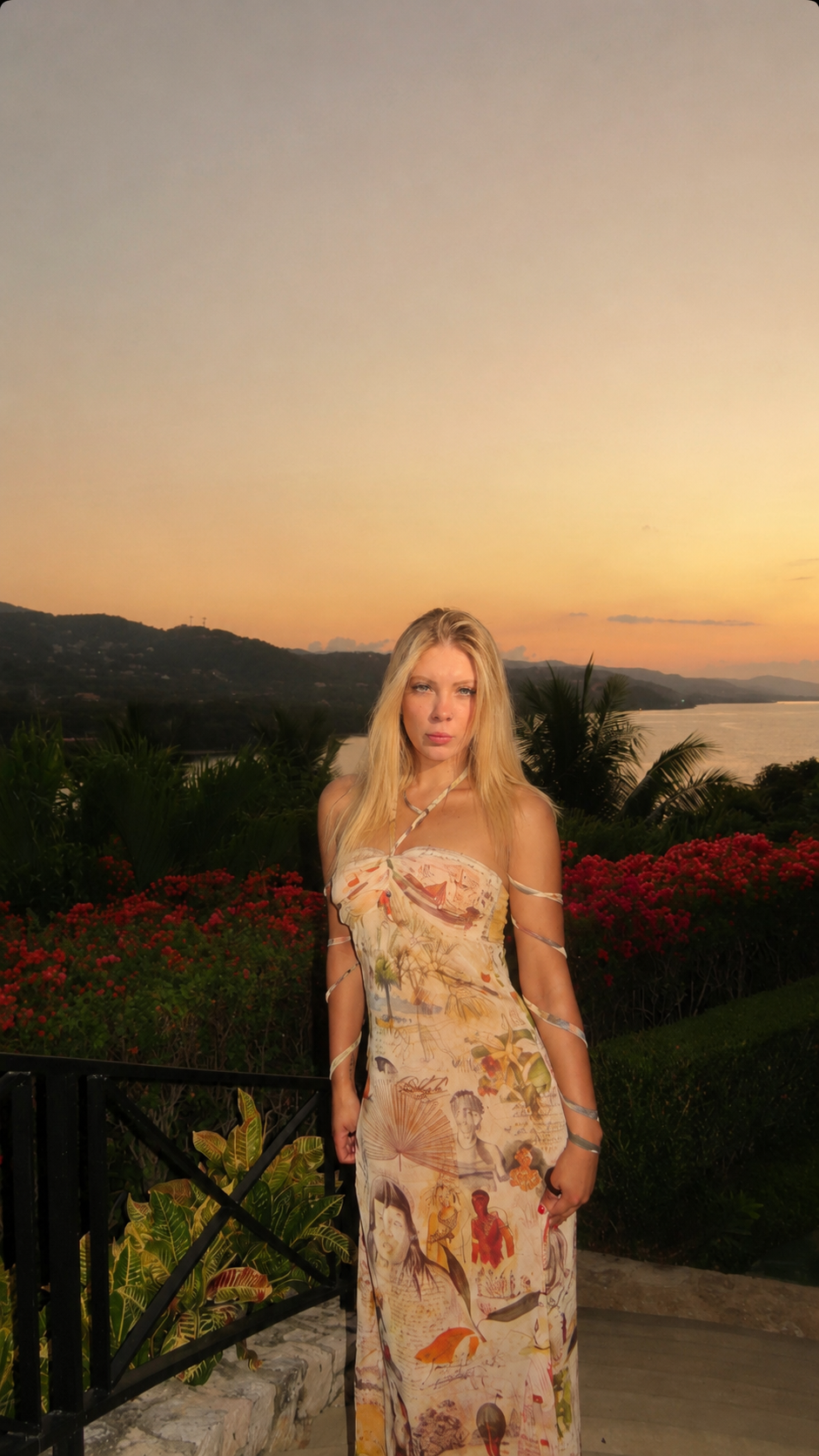
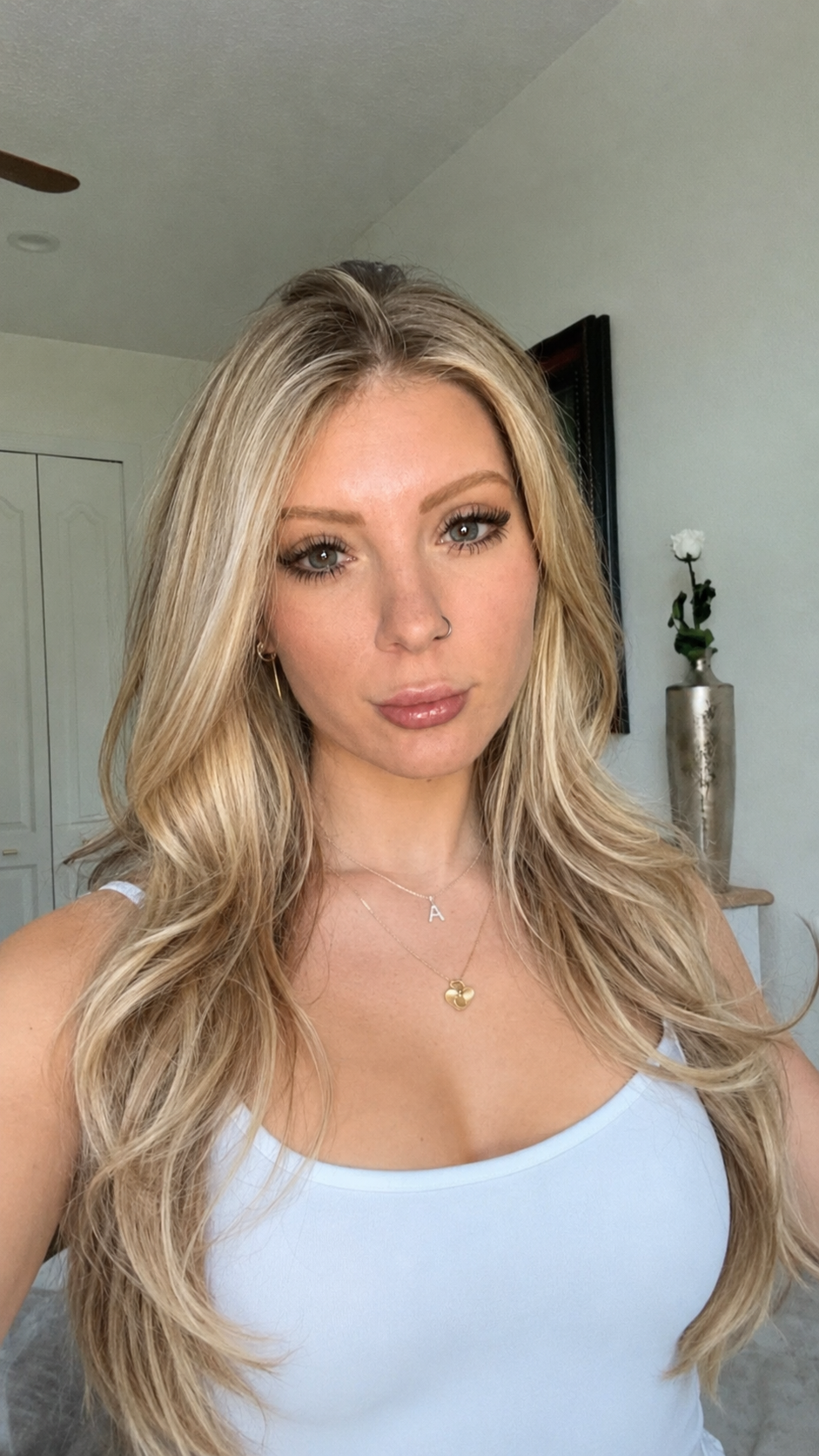
Create the visual direction
Generate or edit a strong creator asset from owned references, prompts, and saved creator styles.
Create more paid-content visuals from fewer inputs. Generate images, edit them, animate stills, train reusable creator styles, and prep files for publishing without jumping between tools.
The best creator workflow is not one tool per task. It is a loop: create the asset, animate the winner, then prep the final media for delivery.
Generate or edit a strong creator asset from owned references, prompts, and saved creator styles.
Turn the strongest still into motion-ready content for short-form posts, teasers, and campaigns.
Detected risk
Spoofed output
Use red Spoofer workflows to re-encode, clean metadata, and reduce repeatable file signatures before delivery.
The public copy stays simple. The app keeps the real model, credit, history, and training behavior underneath.
Create fresh campaign images, scenes, and visual angles from prompts and saved creator styles.
Use GPT Image 2 editing to remix references into sharper, more useful content variations.
Turn strong stills into short motion clips with the configured Creator video models.
Guide movement with a reference video when the final clip needs a specific motion style.
Train a reusable creator character once, then generate with it again and again. Powered by custom character training in-app.
Find past outputs, save the best results, and use previous media as the next input.
Clean metadata, re-encode files, and prepare image or video outputs for delivery.
Use controlled JPEG re-encoding to reduce repeatable file signatures across prepared outputs.
Use one strong reference set to create multiple visual directions for campaigns, teasers, and content drops.
Train reusable creator styles so generated outputs stay closer to the look you want across sessions.
When an image works, turn it into a motion clip instead of rebuilding the idea from scratch.
Keep images, edits, videos, saved outputs, and reusable characters inside the same workspace.
Two separate ledgers keep billing clear. Plans and package data below load from the production backend, not hardcoded prices.
Use for Image Generation, Image Edit, Video from Image, Motion Control, and reusable character training. Top-ups are subscriber-only where the backend requires it.
Use for Video Washer, Image Washer, and Pixel Spoofer. Spoofer top-up packs unlock only after an active Spoofer subscription.
Get into the workspace, choose the credit ledger that fits your workflow, and turn strong references into more usable content.